

With the rise of remote work and online schooling, many people find themselves using computer monitors daily. However, a large monitor can disrupt the aesthetic of your workspace or living area. Learning how to hide computer monitors, get a more organized look, and reduce distractions during non-work hours. Whether you want to conceal it completely when not in use or integrate it seamlessly into your decor, there are various methods to achieve a visually pleasing workspace.
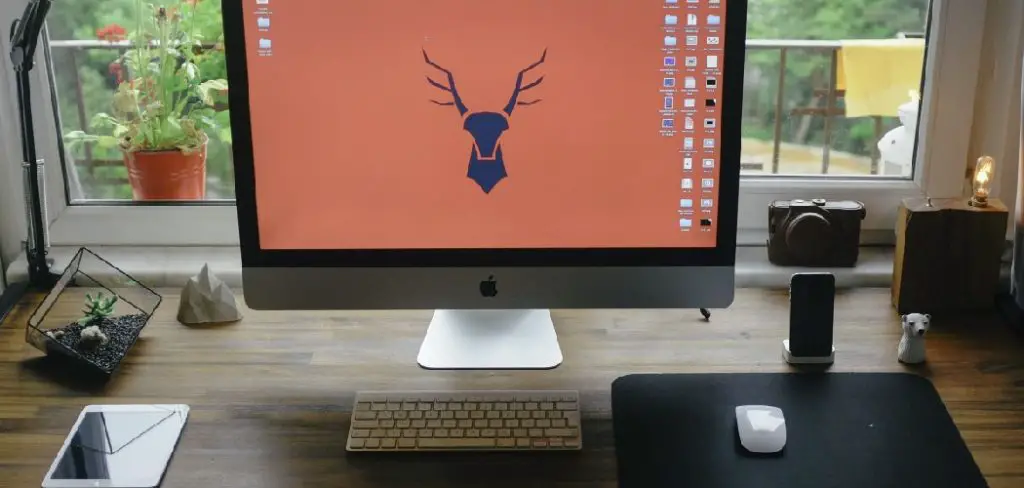
This guide will explore several effective ways to hide your computer monitor, from creative furniture solutions to clever wall installations. By following the tips and techniques outlined here, you can maintain a stylish environment while still enjoying the functionality of your monitor.
Use a Monitor Cover
Step 1: Choose a Stylish Cover
A monitor cover is a simple and effective way to hide your computer monitor when it’s not in use. Look for covers made of fabric, canvas, or other materials that match your decor. Various styles are available, including those with prints or solid colors, which can serve as decorative elements in your room.
Step 2: Measure Your Monitor
Before purchasing a cover, measure your monitor’s dimensions to ensure a proper fit. Most covers are designed for standard sizes, so checking compatibility is essential to avoid returns. A well-fitted cover conceals the monitor effectively and contributes to a neat appearance in your workspace.
Step 3: Slip On the Cover
When your monitor is not in use, simply slip the cover over it. This will not only conceal the monitor but also protect it from dust and scratches. If your cover is particularly decorative, it can enhance the overall look of your workspace. It’s a quick and practical solution that adds a touch of personalization to your area.
Step 4: Consider Magnetic or Velcro Options
For a more tailored look, consider magnetic or Velcro covers that can be attached directly to the monitor. This option allows for easy removal while still providing a snug fit when the monitor is covered. Magnetic or Velcro closures can also add an element of security, ensuring the cover stays in place and maintains the aesthetic appeal of your space.
How to Hide Computer Monitor: Utilize Furniture Solutions
Step 1: Invest in a Monitor Arm or Mount
A monitor arm or wall mount can free up desk space and allow you to position the monitor so it can be easily hidden. Many monitor arms have adjustable features, enabling you to tuck the monitor away when not in use. This flexibility can be especially beneficial in small spaces, where every bit of surface area counts. With a monitor arm, you can effortlessly adjust your monitor’s height, angle, and distance, tailoring your setup to suit your needs throughout the day while maintaining a clutter-free environment during the workday.

Step 2: Choose a Desk with Integrated Storage
Desks with built-in cabinets or drawers can hide your monitor when it’s not in use. Opt for a desk with a lift-top or sliding doors that can conceal your monitor quickly. This solution is great for maintaining a clean look and is especially useful if your workspace doubles as a living area. Selecting furniture that doubles as storage means less visual clutter and more space for decoration and personal expression. Integrated desks ensure that your workspace remains organized and visually appealing, even when your monitor is concealed.
Step 3: Create a Dual-Purpose Space
Consider designing your workspace as a dual-purpose area, such as a guest room or home office. Use furniture like a stylish armoire or cabinet that can house the monitor. When guests are over, simply close the doors to hide the monitor, allowing the space to function for multiple uses. This approach maximizes the utility of your living area without sacrificing functionality or style. By choosing furniture that can serve various roles, you can seamlessly transition between work and leisure, adapting the space to your needs.
Step 4: Use Decorative Screens or Room Dividers
A folding screen or decorative room divider can be an excellent way to conceal a monitor in open-concept spaces. Choose a screen that complements your decor style, and position it strategically to hide the monitor when it’s not in use. Decorative screens can act as both a practical solution and a design element, adding texture, color, and intrigue to your room. This creative approach allows you to maintain an open, airy feel while ensuring that your workspace components don’t become the focal point when they’re not needed.
How to Hide Computer Monitor: Create a Hidden Nook
Step 1: Design a Concealed Workspace
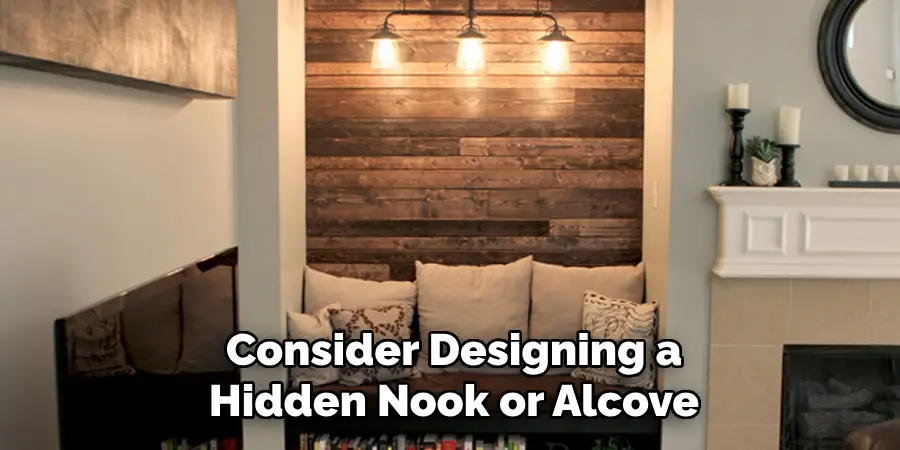
If you have the space, consider designing a hidden nook or alcove specifically for your monitor. This could be a small built-in shelf or a nook in a closet where the monitor can be stored when not in use. A hidden workspace keeps your monitor out of sight and helps maintain a clutter-free and organized environment, allowing you to utilize your space more effectively.
Step 2: Use Curtains or Blinds
Install a curtain rod and hang curtains or blinds that match your room’s decor to conceal the monitor. This is a stylish way to create a barrier without permanent alterations. When you want to use the monitor, simply pull the curtains aside. Opt for materials and patterns that enhance the room’s aesthetic, adding another design layer while keeping your workspace accessible yet unseen during off-hours.
Step 3: Construct a Rolling Cart
A rolling cart can serve as a flexible solution. You can store your monitor on the cart and move it out of sight when it’s not in use. This option allows easy access to your monitor without taking up permanent space. Choose a cart that fits the dimensions of your monitor and provides stability to prevent damage. With its mobility, a rolling cart offers the advantage of transforming your living area without the fixed presence of a cumbersome screen.
Step 4: Integrate into Existing Furniture
If you have furniture that isn’t being used to its full potential, consider modifying it to create a hidden workspace. For example, you could add a retractable shelf within a console table where your monitor can sit and be hidden when not needed. Reinventing existing pieces not only solves your visibility problem but also provides an opportunity to refresh your interior design without significant investment. By integrating technology into your current furnishings, you marry function with style seamlessly.
Use Technology to Your Advantage
Step 1: Hide Cables and Wires
Cables and wires can make a monitor setup look cluttered and untidy. Consider using cable management solutions such as cable sleeves, clips, or boxes to maintain a sleek and organized appearance. These tools effectively bundle and route cables along the back of furniture or walls, keeping them out of sight. Not only does this minimize visual distractions, but it also helps prevent tripping hazards and keeps your workspace looking clean and professional. A clutter-free cable setup contributes to a more streamlined and focused work environment.

Step 2: Consider a Smart TV Instead
If your primary use for a computer monitor leans towards entertainment, a smart TV might be a better choice. Smart TVs offer high-definition displays and come equipped with internet connectivity and streaming capabilities. You can mount a smart TV on the wall like an artwork and, when not in use, easily hide it behind a decorative piece or a retractable screen. This strategy allows you to conserve space while enhancing your leisure experience with versatile viewing options. Plus, modern smart TVs often come with minimal wiring, reducing the clutter further.
Step 3: Use Smart Mirrors
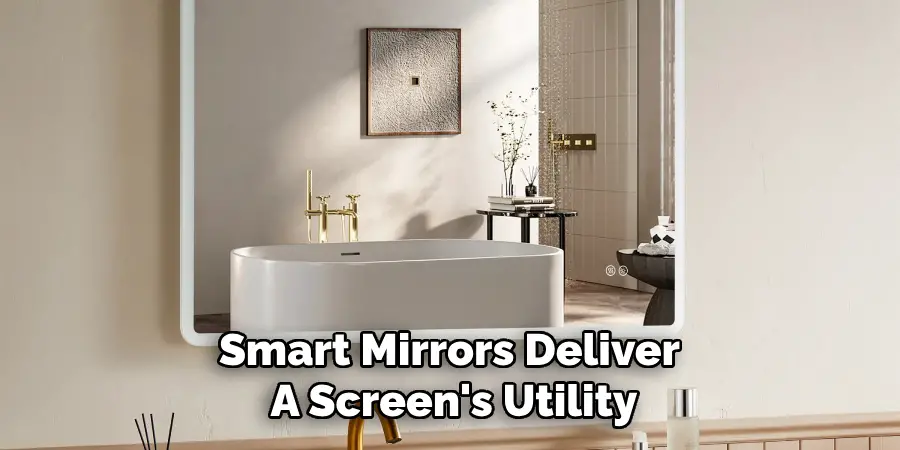
Incorporate a touch of sophistication into your space by using smart mirrors, which offer both form and function. These innovative devices work as traditional mirrors when inactive and transform into monitors capable of displaying information or streaming content when needed. A smart mirror seamlessly integrates technology into everyday living, providing a discreet solution that complements modern home aesthetics. Ideal for multi-functional areas, smart mirrors deliver a screen’s utility while maintaining the mirror’s elegance, ensuring your space remains stylish and efficient.
Step 4: Install a Motorized Lift
For those interested in a high-tech approach, installing a motorized lift system can offer the ultimate solution in monitor concealment. A motorized lift allows the monitor to be hidden within a cabinet or counter and raised or lowered at the touch of a button. This technology delivers a seamless blend of convenience and innovation, offering an entirely unobtrusive setup that maintains the integrity of your room’s design. With a motorized lift, your monitor is safely stored and only appears when needed, optimizing both space usage and aesthetic value.
Maintain Aesthetic Appeal
Step 1: Choose Coordinating Colors
When selecting covers, curtains, or furniture to conceal the monitor, choosing colors and patterns that harmonize with your decor is essential. This strategic choice ensures that your monitor-hiding solutions seamlessly integrate with the room’s overall aesthetic and avoid standing out in an undesirable manner. By selecting complementary colors, the entire room looks cohesive, whether the monitor is in use or elegantly hidden away.
Step 2: Accessorize with Decorative Items
To enhance the look around your concealed monitor, consider accessorizing with decorative items that elevate the room’s design. Strategically place plants, books, or artwork near the area of the hidden monitor to draw attention away from it. These accessories beautify the space and create focal points that add character and personality. Moreover, these additions can provide a fresh perspective on the room’s layout, making the space more inviting and visually dynamic.
Step 3: Regularly Change Your Setup
Keeping the space feeling fresh and dynamic involves occasionally reimagining your room’s setup. Don’t hesitate to rearrange furniture or switch out decorative elements around your monitor. This practice prevents the area from becoming stagnant and ensures that the focus does not remain solely on the monitor. Regular changes can revitalize the room’s atmosphere, allowing you to reflect evolving tastes or seasonal décor themes, thereby maintaining an aesthetic that feels both up-to-date and personally satisfying.

Conclusion
Hiding a computer monitor can significantly improve the aesthetics of your workspace and living area, making it feel more organized and inviting. By using a combination of covers, furniture solutions, concealed workspaces, and technology, you can effectively integrate your monitor into your home decor while maintaining functionality. Whether you opt for simple solutions like monitor covers or more elaborate methods like custom furniture, the key is to find options that suit your style and needs.
With thoughtful planning and creativity, you can create a beautiful environment that enhances both productivity and relaxation. Embrace these strategies to ensure your computer monitor complements your space rather than dominating it, providing you with a more enjoyable and visually appealing area to work and live. These approaches illustrate “how to hide computer monitor” effectively, offering the perfect balance between utility and aesthetic appeal.

About
Angela is the chief editor of Indoorense. She began her career as an interior designer before applying her strategic and creative passion to lifestyle and home.
She has close to 15 years of experience in creative writing and online content strategy for housekeeping and cleaning,home decorations as well as other efforts.
She loves her job and has the privilege of working with an extraordinary team. She lives with her husband, two sons, and daughter in Petersburg. When she’s not busy working she spent time with her family.